moby
Turn Every Car
Into a Conversation
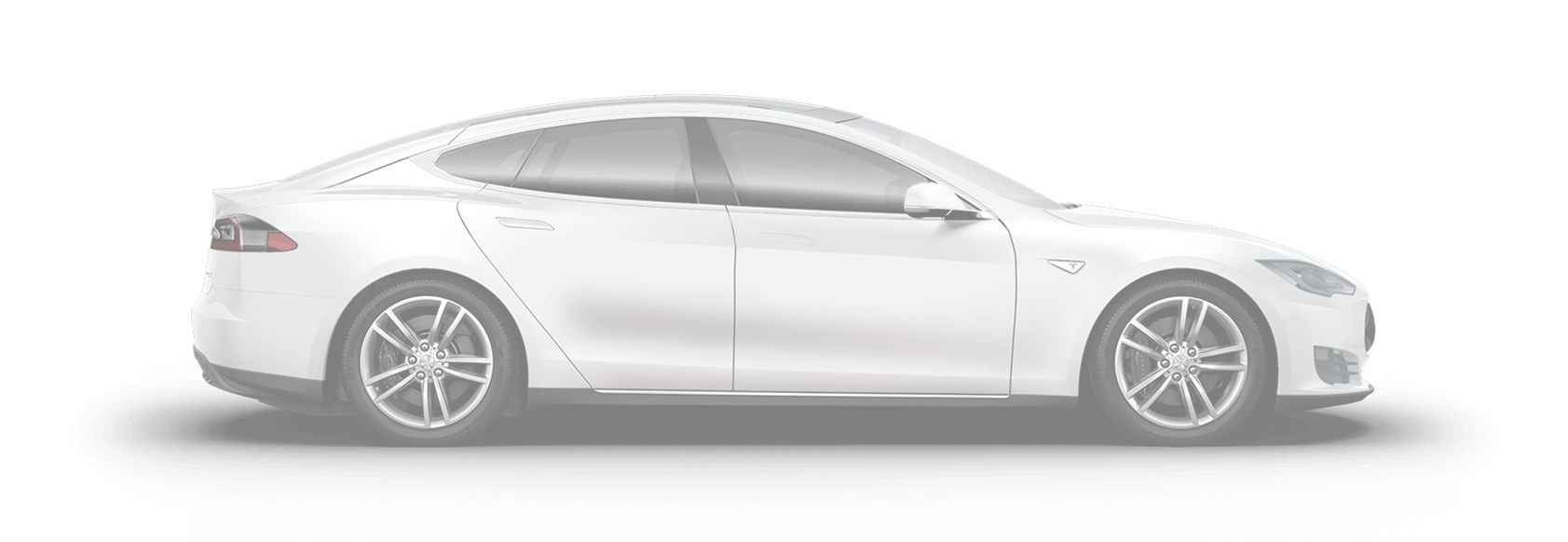
Moby helps dealerships engage with customers by turning every vehicle into an interactive experience. Instant answers, personalized recommendations, 24/7 availability.
24/7 Shopper Engagement
QR or NFC stickers let buyers instantly connect with Moby to ask about features, history, and financing — even when your team is busy or the store is closed.
Built-In Smart Lead Capture
Capture emails and phone numbers at peak buyer interest. Every lead is time-stamped and tied to a specific vehicle for effective timely follow-up.
Smart Responses, Always On
Moby delivers fast, accurate, dealership-approved answers — without ever needing a break. From specs to comparisons, it's always ready.
Customizable AI Assistant Persona
Match Moby's tone to your brand, region, or audience. You can even train it to ask pre-qualifying questions like budget, timeline, or car preferences.
Works With Your Workflow
No new tools needed. Moby syncs leads directly to your CRM or inbox so your sales team can follow up without changing a thing.
Multilingual Communication
Moby speaks your customers' language — literally. With support for both chat and voice in multiple languages, shoppers feel understood and welcomed.
Don't miss leads. Turn your static inventory
into interactive digital touchpoints.







How Moby Works for Dealerships
Add Your Inventory
Import your vehicle inventory easily. Add details about each car, pricing, features, and availability.
Vehicle Details
Enter the vehicle details below to be used by your AI assistant in communication with the shoppers.
Train Your AI
Customize Moby with your dealership's personality, financing options, and special offers.
Assistant Setup
Follow the steps below to set up and launch your AI assistant.
Place QR Codes
Display QR codes on window stickers. Customers scan to chat with Moby about that vehicle.
Questions?
Scan to ask.

Powered by Moby Concierge
Pricing
Trial
Not sure how Moby can help? Give it a try, risk free.
PRO
Perfect for small to medium dealerships.
Enterprise
Built for large dealer groups and multi-location businesses.
FAQ
How does Moby work for car dealerships?
Moby creates a unique QR code for each vehicle on your lot. When customers scan it, they can instantly chat with an AI assistant that knows everything about that specific car – specs, pricing, features, financing options, and more. It's like having a knowledgeable salesperson available 24/7.
Can I customize the responses for my dealership?
Absolutely! You can train Moby with your dealership's unique selling points, current promotions, financing programs, and brand voice. Every response will sound like it's coming from your best salesperson.
How do customers access Moby?
Customers can scan QR codes on window stickers, access it through your website widget, or interact via a unique link you can share. All methods connect them to your trained AI assistant instantly.
Does Moby capture leads?
Yes! Moby can collect customer contact information and send it directly to your CRM or dashboard. You'll see exactly which vehicles they're interested in and what questions they asked.
What languages does Moby support?
Moby supports multiple languages for both text and voice interactions. This helps you serve diverse customers in their preferred language, expanding your reach and improving customer satisfaction.
Is there a setup fee or long-term contract?
No setup fees and no long-term contracts. Start with our 30-day free trial to see the results for yourself. You can cancel anytime.